Features
Everything You Need to Practise with Confidence.
Write the questions you expect, rehearse them on camera against the clock, and review every answer with a score and clear suggestions. Your questions and results are saved to your account.
One place for your whole preparation
Six tools that cover the full loop: prepare your questions, practise them, and learn from every attempt.
Upload Your Own Questions
Turn your university's interview documents into a ready-made practice list from PDF, DOCX or TXT files.
How it will work (Upload Your Own Questions)Coming soonRealistic Mock Interviews
Preparation countdowns, timed answers and one take per question, recorded with your webcam and microphone.
See the interview room (Realistic Mock Interviews)Performance Feedback
A score out of 10 for every answer, with key points covered, speaking pace, filler words and a transcript.
See a results page (Performance Feedback)Personal Question Bank
Write your questions, set preparation and answer times, and save the ideal answer you want to give.
See question management (Personal Question Bank)Progress Tracking
Every attempt is saved, so you can compare scores and see which answers still need work.
See progress tracking (Progress Tracking)Flexible Individual Practice
Pick one question and practise it again until it feels natural, without sitting the whole interview again.
Try single-question practice (Flexible Individual Practice)
Document uploadComing soon
Turn your interview documents into practice questions
Universities often share the topics or questions they may ask. Upload the file and PreCAS Prepare will pull out the questions so you can start practising straight away.
- Upload PDF, DOCX or TXT files
- Review every detected question before it is saved
- Edit, remove or reorder anything that was picked up
Document upload is in development. Until it launches, you can add questions manually in your question bank.
Mock interviews
Rehearse in a room that feels like the real one
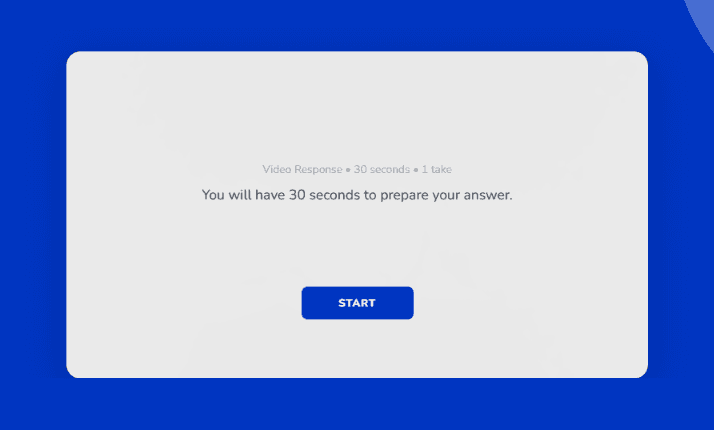
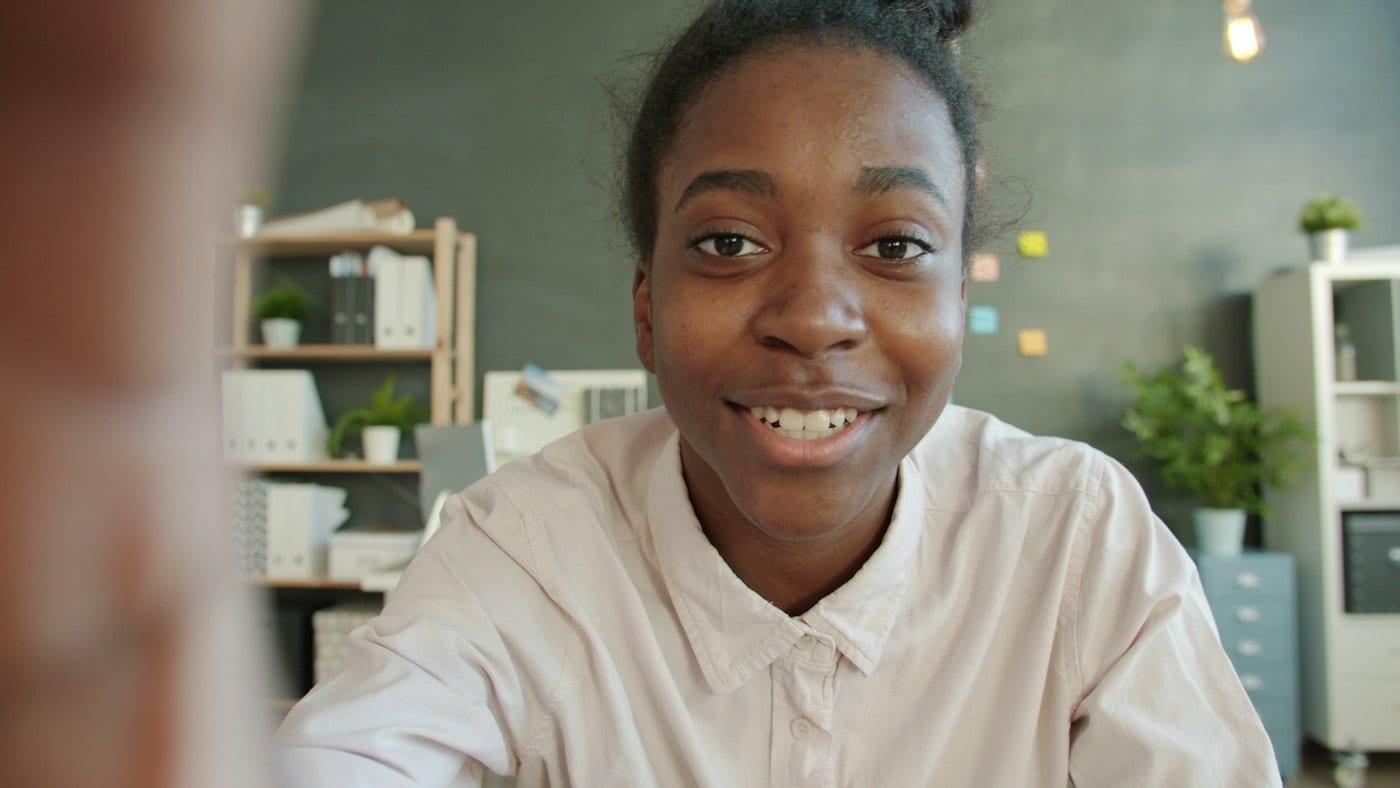
Each question follows the same rhythm as a recorded credibility interview: a short preparation countdown, then a timed answer on camera.
- Preparation countdown before every answer
- Timed recording that stops automatically
- One take per question, just like the real format
- Live captions while you speak, in supported browsers
Performance feedback
Know exactly what to improve after every answer
Each answer is scored out of 10 by comparing what you said with your own ideal answer and key points, and by checking how you said it.
- Content (6 points): key points covered and match with your ideal answer
- Completeness (2 points): whether you used the time well
- Delivery (2 points): speaking pace and filler words
- Watch your recording and edit the transcript, then re-analyse
Scores are practice feedback only. They do not predict the outcome of a real interview.
Question bank
Your questions, your answers, your timings
Build the list of questions you expect, then decide exactly how each one should be practised.
- Set preparation and answer times for each question
- Save an ideal answer and the key points it must cover
- Reorder questions to match your interview
- Edit or delete questions at any time
Progress tracking
See your preparation improve over time
Every full interview and single-question attempt is kept, so you can spot patterns and focus on the answers that matter most.
- An overall interview rating from 1 to 10
- Best score, average and latest change for each question
- Full history with recordings, transcripts and feedback
Your practice history is saved to your account. Recordings stay on the device you used.
Ready to Start Practising?
Add your first questions and record a practice answer in a few minutes. No account needed.